Teaching, assessment and classes
Every subject.
Every next step.
Set lessons and assignments, mark recorded and written work in one gradebook, and run your timetable and attendance. For music, languages, school subjects and professional training, with code marked by your own tests on the Training plans.
Already a learner? Student sign in
Who it's for
What do you teach?
Teaching on your own or in a studio
Schools, colleges and training
See it at work
The screens your teachers and learners use
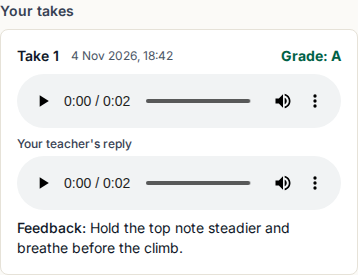
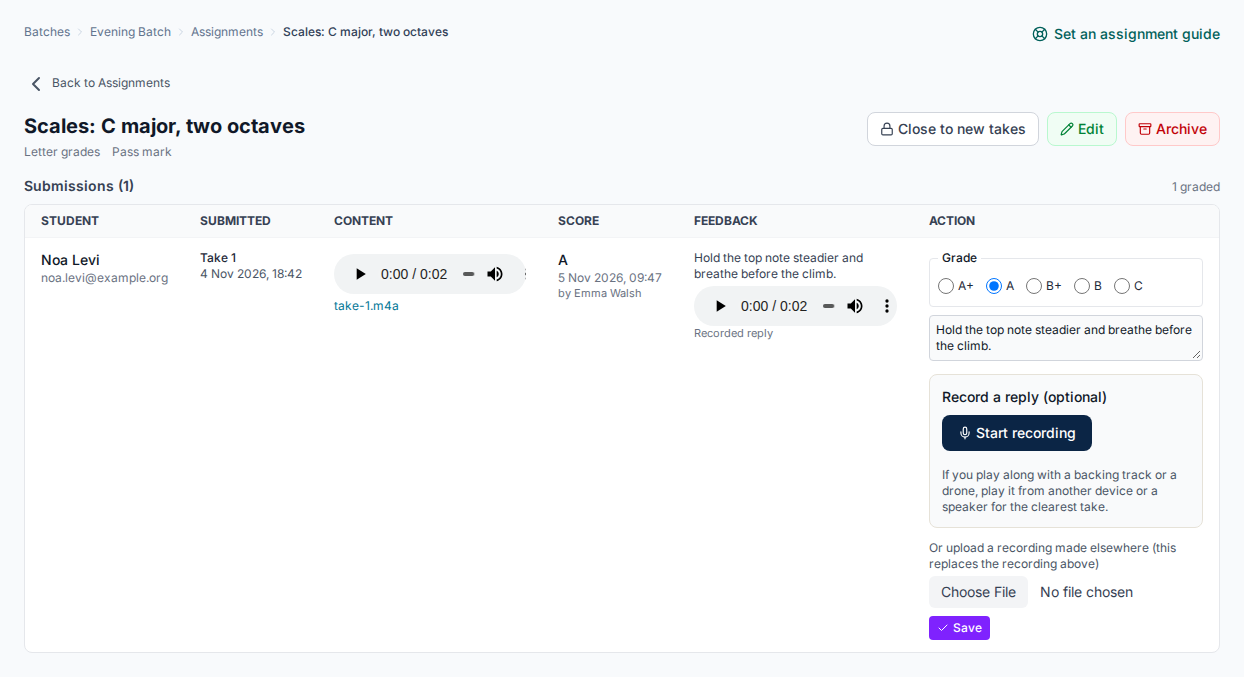
Hear every take, and reply with your own
Pupils record a piece, a speaking task or a speech on a phone between lessons. You grade each take with a letter or a rubric, write a comment and record a reply.
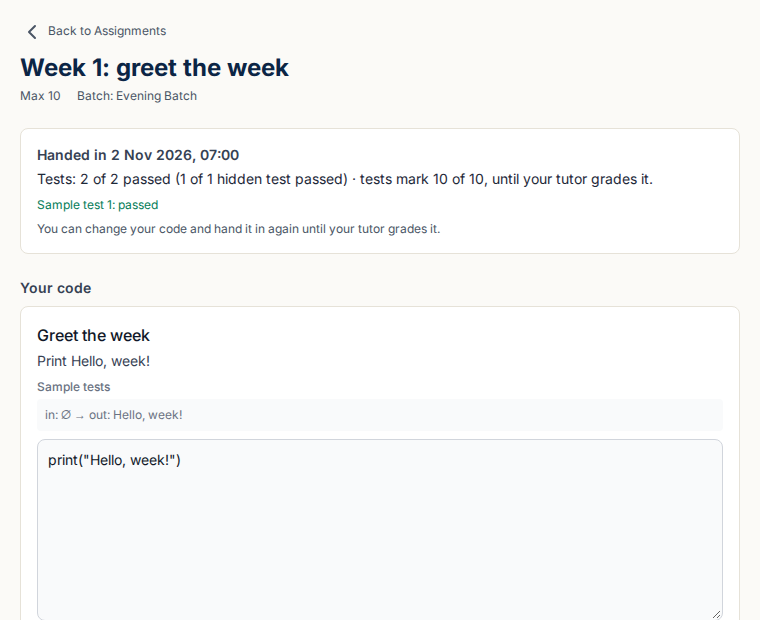
Code marked by your own tests
Learners write and run code in the browser in 12 languages. Each hand-in is marked against your tests, hidden ones included, and you add the rest of the grade.
Training plans Not in the Teacher plan.
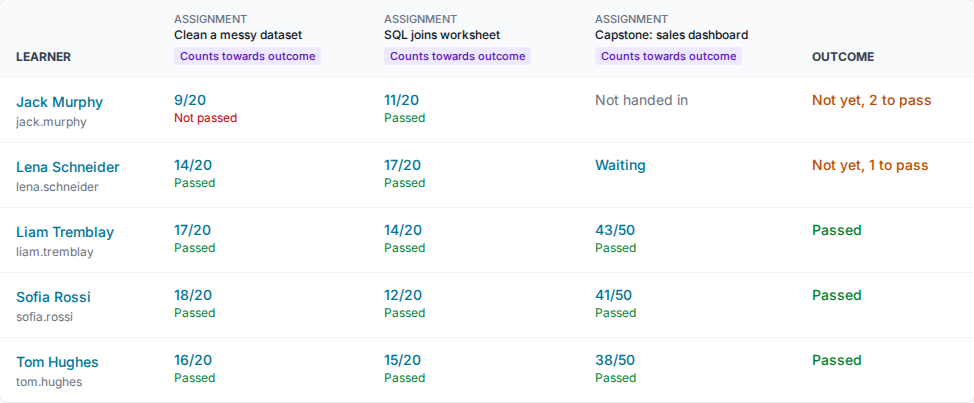
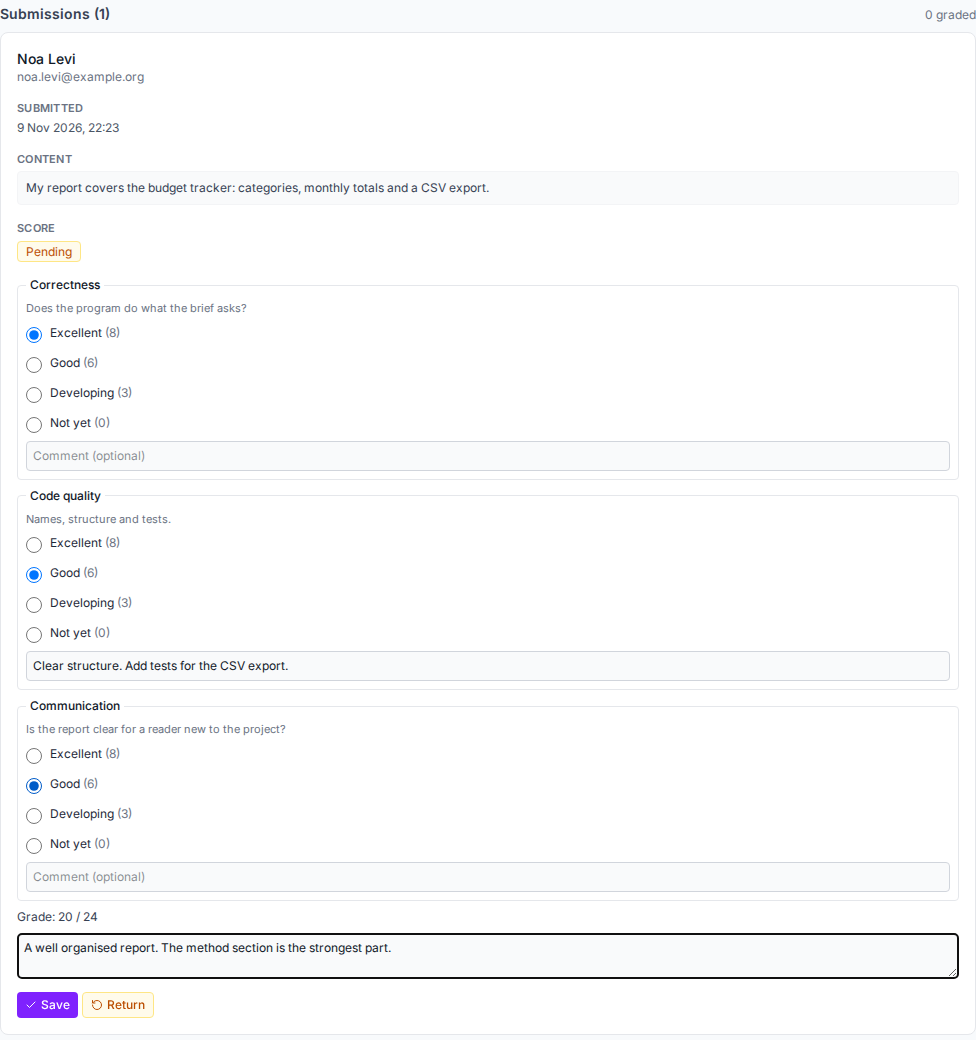
Rubrics, comments and one gradebook
Mark written, uploaded and recorded work with a rubric, a letter or a score. Late-work rules, extensions and regrade requests are built in, and every batch has a gradebook.
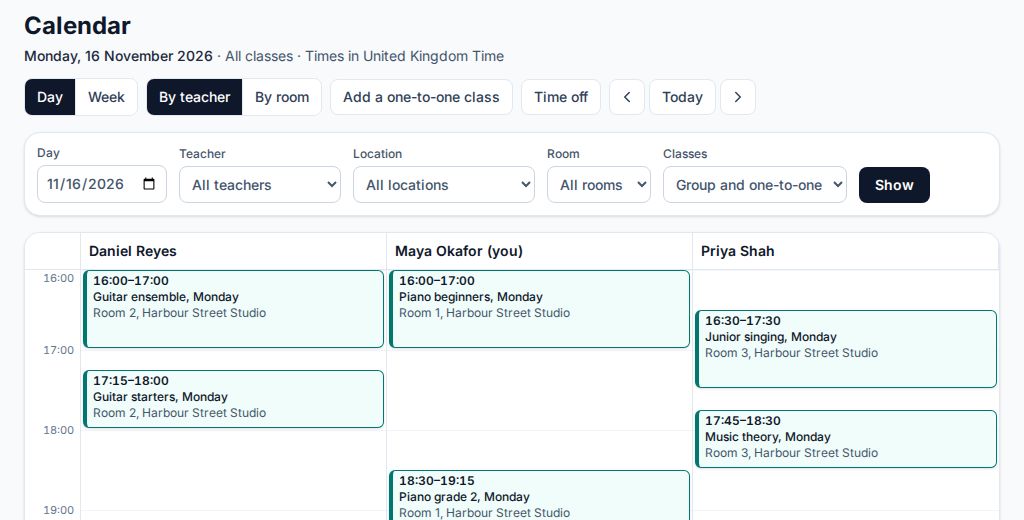
Every teacher's day on one calendar
See the day by teacher or by room, add one-to-one and group classes, find cover when a teacher is away, and, when you turn make-ups on, let families book a make-up for a one-to-one lesson they miss.
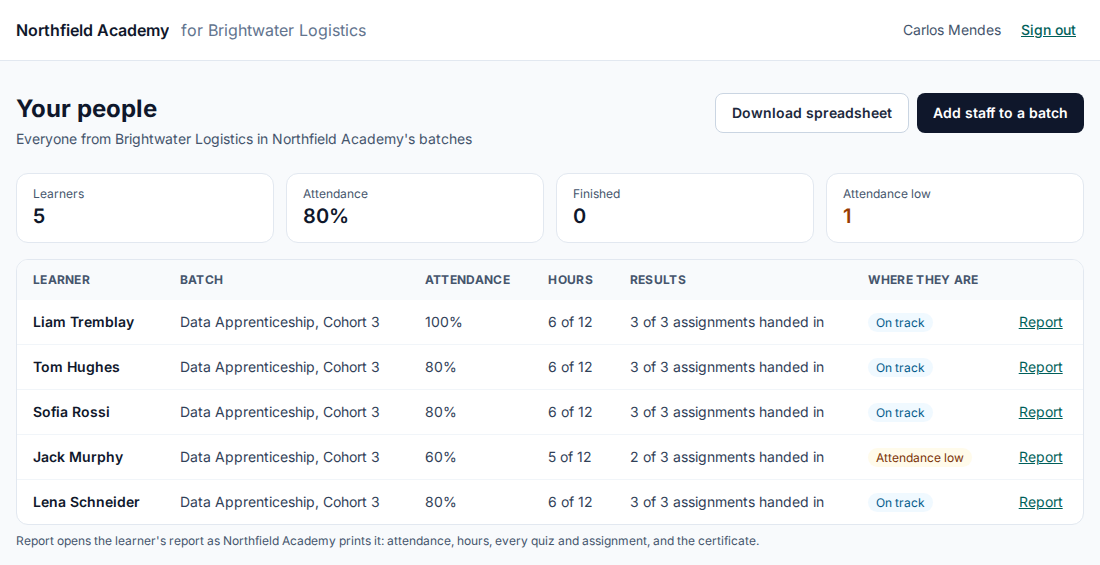
A view for each client you train for
Each employer sees only its own people: attendance, hours, results and a report for each learner, ready to print.
Training plans Not in the Teacher plan.
Courses and lessons, quizzes, attendance, certificates and the rest: see every feature.
Pricing
One plan, one bill, priced the way you teach
Free
$0
After a 30-day trial, one teacher keeps up to 30 learners for free, with every feature but your own web address and name, and no time limit. No card.
Teacher
$9 a month
For your first teacher, then $3 for each teacher after that, with unlimited pupils. For music, languages, drama, tutoring and school subjects.
Coding, AI hints, notebooks and labs, LMS links (LTI), SCORM, xAPI, the API and embeds, client access and off-the-job hours are in the Training plans, not the Teacher plan.
Training
From $99 a month
Priced by active learners a month: up to 50 for $99, 100 for $249 and 200 for $399, with unlimited staff. Everything in Teacher, plus coding, AI hints, LMS links, SCORM, xAPI and the API.
Prices in US dollars, excluding tax; checkout shows the price in your own currency. No minimum term. Work out your bill
Weighing it up?
Compare it with what you use now
Price, features and when the other tool is the better choice, from each vendor's own pages, dated.
Ask an AI assistant about us
Opens the assistant with a question about The Skill Site that points it to our own summary. Nothing about you goes with it.
Questions and answers
Can I teach subjects other than programming?
Yes. Build mathematics, science, language, music, humanities, business or professional courses with text, equations, images, video, audio and documents. Coding tools are optional.
How do I assess learners?
Use multiple-choice, short-answer, numerical, fill-in-the-blank, matching, ordering and written-response questions. Written responses go to a teacher for marking. Assignments accept text, links, files, recordings and code, graded with a rubric, a letter or a score, and every batch has a gradebook.
How do students join?
Your institute adds or invites learners and enrols them in a batch. Students sign in with the invited account and see their courses, progress and assignments. For a child, a parent accepts your invitation and agrees on the child’s behalf.
Can I try it before subscribing?
Yes. Start a 30-day free trial with every feature but your own address and name, and no card. If you do not subscribe, your first admin keeps going on the free plan, with no time limit.
Start with your next class
Try it free for 30 days with up to 30 learners and no card, or step through the demo for your kind of class first.